How to Fix MacBook Not Turning On: A Guide by ComputerTechCare Dallas, Texas
- Devi Ram
- Jan 10, 2025
- 4 min read

Is your MacBook refusing to turn on? This can be a frustrating experience, especially for students and professionals who rely on their devices for work, school, or personal projects. Fortunately, there are several troubleshooting steps you can take before seeking professional help from ComputerTechCare in Dallas, Texas. In this guide, we’ll walk you through these steps, provide insights into our services, and answer some frequently asked questions.
Understanding the Issue
When your MacBook won’t turn on, it can be due to a variety of reasons. It could be a simple problem like a drained battery or something more complex such as a hardware failure. Before assuming the worst, try running through these troubleshooting tips.

Initial Troubleshooting Steps
Check the Power Source: First, ensure that your MacBook is plugged in correctly. Sometimes, the power adapter may be faulty or not connected properly. Test a different outlet or cable if possible.
Inspect for Signs of Life: Press the power button and look for any signs of activity, such as lights turning on or sounds from the device. If you hear the startup sound but see a blank screen, this indicates a different issue.
Reset the SMC (System Management Controller): This is useful for resolving power-related issues. For most modern MacBooks, hold down the Shift + Control + Option keys along with the power button for 10 seconds. Release all keys and power on the MacBook.
Reset the NVRAM (Non-Volatile Random-Access Memory): Sometimes resetting NVRAM can help. Turn on your MacBook and immediately hold down the Command + Option + P + R keys. Keep holding until you hear the startup sound twice.
Run in Safe Mode: Starting your MacBook in Safe Mode can help troubleshoot various issues. To do this, turn it on and hold the Shift key until you see the login screen.
If these steps don’t resolve the issue, it may be time to contact a professional.
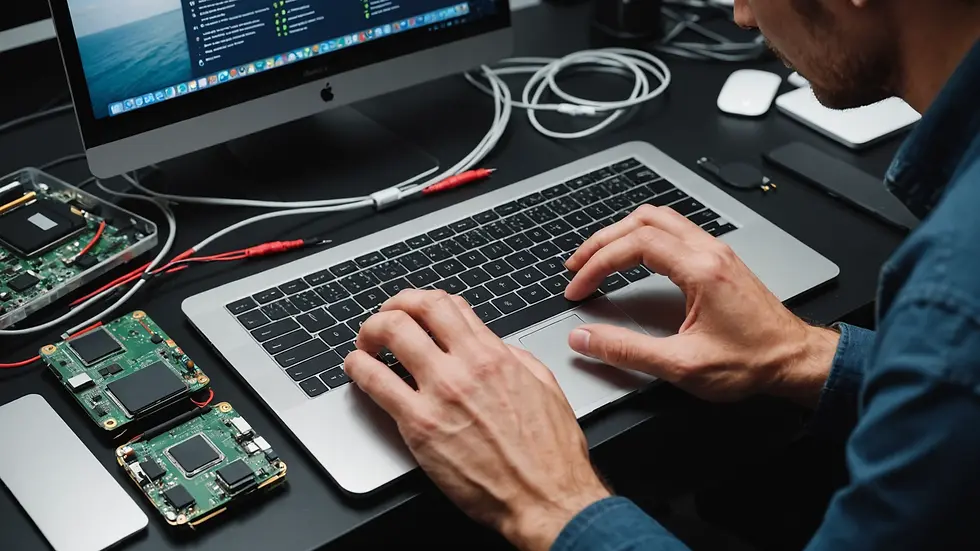
When to Contact ComputerTechCare
If your MacBook still won’t turn on after trying the above steps, it’s best to seek professional assistance. At ComputerTechCare in Dallas, Texas, we offer expert services to diagnose and fix a range of issues.
Our Services Include:
Diagnostic Testing: We assess the problem to determine what repairs are necessary.
Hardware Repairs: If there is a faulty component, we can replace or repair it.
Data Recovery: In cases where data might be at risk, we provide solutions to recover your important files.
Software Troubleshooting: We can also address any underlying software issues affecting your device.
Maintenance: Regular check-ups can help prevent future issues.
Our expert technicians provide high-quality service and can assist with any brand or model of MacBook. Plus, we pride ourselves on offering competitive prices with transparent pricing guides.

Pricing and Quality of Service
Quality service is our priority at ComputerTechCare. We ensure that every technician is skilled and experienced in handling MacBook repairs. Our pricing is straightforward, and we provide estimates before beginning any work, so you know exactly what you're paying for.
Here is a basic overview of our service pricing:
Diagnostic Service: $50
Basic Hardware Repairs: Starting from $100
Data Recovery Services: Starting from $200
Software Troubleshooting: $75 per hour
We back our services with a 90-day warranty, giving you peace of mind that your repairs are covered.
Frequently Asked Questions
1. Why won’t my MacBook turn on despite being plugged in?
There could be several reasons, including a faulty power adapter, battery issues, or internal hardware malfunctions. Always ensure all connections are secure and the power source is functional.
2. How much does it cost for MacBook repair services at ComputerTechCare?
Our pricing varies based on the type of service needed. Basic diagnostic services start at $50, while hardware repairs begin around $100. For a precise estimate, feel free to contact us.
3. Is it worth repairing an older MacBook?
It often depends on the repair costs compared to the device's value. If your MacBook is essential for your work or studies, investing in repairs might be worthwhile.
4. How long does a typical repair take?
Most repairs can be completed within a few hours to a couple of days, depending on the complexity. We also offer express services for urgent issues.
5. Do you provide a warranty for repairs?
Yes, all our services come with a 90-day warranty, ensuring you get the best quality and reliability.
Testimonials from Our Satisfied Customers
John D.
"I thought my MacBook was beyond help, but ComputerTechCare got me up and running in no time! The technicians are knowledgeable and friendly."
Rachel K.
"I had a great experience with the staff. They diagnosed the issue quickly and were transparent about pricing all the way through."
Michael T.
"Super impressed with their quick service. They fixed my MacBook screen, and I couldn't be happier!"
Taking the Next Steps
If you’ve tried the troubleshooting tips with no success, please don’t hesitate to reach out to us at ComputerTechCare. Our skilled technicians are ready to assist with any MacBook issues you may be facing.
You can contact us at 469-783-2490 or visit our website at www.computertechcare.com for more information about our services and to book an appointment.
Let’s get your MacBook back in working order today!
Additional Services We Offer
Explore more ways we can assist you:
Virus Removal
Data Backup Solutions
Laptop Screen Replacement
Networking Setup
Custom PC Builds
We look forward to helping you get your device back on track!


Comments